Hybrid Event Production: Your Guide to a Successful Event
April 22, 2026
The event landscape has shifted considerably in the past few years. "Event" no longer means exclusively in-person. Today's successful corporate events, conferences, and product launches use hybrid event production, combining the energy of a physical venue with the reach of a virtual platform. If you're a marketing manager or event planner, knowing how to execute hybrid events is now a practical necessity.
Hybrid events present real challenges, though. You're not just hosting an in-person event with a livestream attached. You're creating two distinct experiences that work together, each meeting different audience needs. This guide covers the tactical steps to plan and execute hybrid events where both in-person and virtual attendees feel the event was designed for them.
What are Hybrid Events and Why Are They Popular?
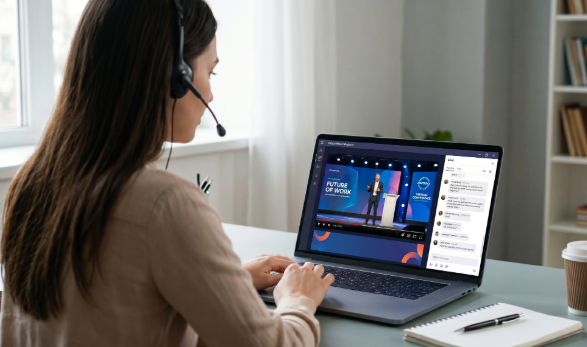
Hybrid events combine in-person attendance at a physical venue with virtual participation via livestream or video platform. Some attendees show up in person, others tune in remotely, and some move between the two.
Although webinars and virtual events have been around for a while, virtual events shot up in popularity during the pandemic. While people were excited to return to in-person events afterwards, certain aspects of virtual events continued to be preferred due to their benefits.
Hybrid events can take advantage of these beneficial aspects along with the personal connection and atmosphere of an in-person event to create a “best of both worlds” scenario.
The Pros and Cons of Hybrid events
Advantages of Hybrid Events
- Broader audience: Hybrid events remove geographic barriers and reach people who can't travel.
- Flexibility: Attendees pick their participation level. Higher attendance leads to better results.
- Extended engagement: Pre-event sessions, on-demand content, and extended networking stretch the value beyond the event day.
- Lower barriers for attendees: No travel costs mean more people show up.
- Better data collection: Virtual platforms tell you exactly how many people watched, for how long, and what they engaged with.
- Increased ROI: Reach more people without proportionally increasing venue costs.
Companies running hybrid events report 30-50% higher attendance than in-person-only events, with broader geographic spread and more diverse participant demographics.
Disadvantages of Hybrid Events
- Technical complexity: Running both experiences well demands sophisticated AV infrastructure, reliable streaming platforms, and trained technicians.
- Higher production costs: Quality hybrid production costs real money. Professional equipment, experienced staff, and platform subscriptions add up.
- Divided focus: Without careful management, speakers focus on in-person attendees, and virtual participants get the leftover experience.
- Single point of failure: When streaming or AV breaks, your entire audience sees the problem.
- Harder to build engagement: Creating genuine connection across two separate environments takes more effort than managing one room.
- Bandwidth is a bottleneck: Streaming quality video requires significant upload speed. Weak internet infrastructure undermines everything.
Key Considerations for Planning Hybrid Events
Venue and Audio/Visual Infrastructure
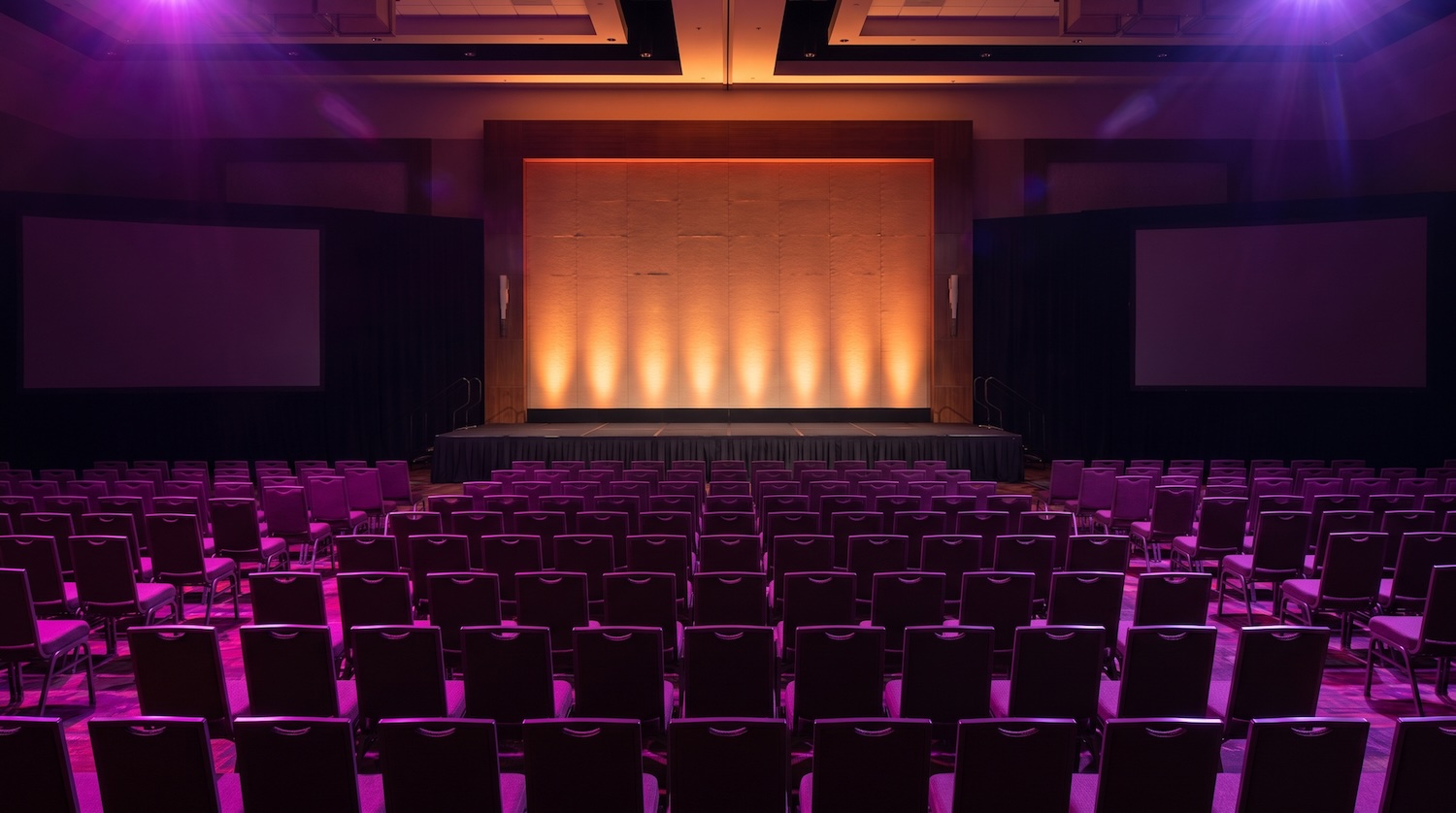
To host a hybrid event, your physical venue must support both in-person and virtual experiences. Professional AV systems are always a necessity for the success of any event, whether in-person or hybrid. If you’re sharing a live broadcast, you’ll need to set up multiple camera angles to capture speakers, audience reactions, and the room overall. A professional audio system will ensure that both people in the room and those joining virtually can be immersed in the experience.
Lighting is another important consideration. Beyond setting the mood for your event, studio-quality lighting makes cameras capture clean video and makes your venue look professional on screen.
And finally, you need dedicated space where your AV technician monitors streams, switches cameras, balances audio levels, and handles problems in real time.
Streaming Technology and Platform
Pick your platform based on audience size, interactivity needs, and budget. There are many options depending on the size of your audience, budget, and technician needs:
- YouTube Live: Free, unlimited viewers, straightforward. Good for large-scale events.
- Zoom: Excellent for interactive events with smaller groups. Familiar to most audiences.
- Hopin, Airmeet, EventConnect: Purpose-built for hybrid events. Include networking, breakout rooms, and engagement tools.
- Custom RTMP setup: More control and branded experience, but requires technical expertise.
Whatever platform you choose, confirm it supports HD video (720p minimum, 1080p preferred).
Bandwidth and Network Infrastructure
Streaming high-quality video takes a lot of bandwidth. You will need a minimum of 10 Mbps upload for one HD stream, 25+ Mbps preferred upload for backup streams and redundancy.
And don't assume that the venue WiFi works. Run a speed test. Have a backup connection ready (mobile hotspot or second ISP line).
Balancing In-person and Virtual Audience Experiences
The biggest mistake hybrid producers make is optimizing for one audience and leaving the other with scraps. Here's how to avoid that.
For in-person attendees:
- Use large screens showing virtual attendees. It signals that remote participants matter, not that they're an afterthought.
- Include in-person networking areas that feel special but don't visibly exclude remote attendees watching on camera.
- Set up audio so speakers can hear questions from both groups.
For virtual attendees:
- Multiple camera angles beat static feeds. Show speakers, audience reactions, different sightlines.
- Monitor chat actively and respond to virtual questions in real time on camera.
- Consider a dedicated virtual host who manages the digital experience: moderating chat, timing announcements, prompting engagement.
- Offer structured networking using breakout rooms or dedicated networking features for remote participants.
Creating engagement across both groups:
- Interactive elements: Polls, Q&A, live chat that both audiences participate in equally.
- Virtual networking: Breakout rooms or networking platforms let remote attendees make real connections.
- Matching timing: When in-person attendees take a 10-minute break, virtual attendees get the same break. Don't let one group wait while the other moves on.
Audio and Video Production Requirements for Hybrid Events
Professional hybrid event production depends on several specific technical pieces working together.
Video Production
Your camera setup forms the foundation of any hybrid production. At minimum, plan for two to three professional cameras, with mirrorless or cinema cameras being strong choices. Larger events often require four or more to capture every angle. These cameras feed into a video switcher (either hardware or software) that lets you cut between shots, add graphics, display speaker names, and manage smooth transitions throughout the event.
Production value rises when you bring in real-time graphics, lower thirds, live polls, and branded elements. Just as important, always maintain separate high-quality master recordings alongside your streaming feed. This redundancy ensures that even if your live stream hits problems, you'll still have clean archive footage to work with afterward.
Audio Production
Audio quality often matters more than video to remote viewers, so your microphone setup deserves careful attention. Equip speakers with wireless lapel mics, position podium mics where appropriate, and keep handheld mics ready for audience questions. All of these should run through a professional audio mixer that lets you adjust levels, EQ, and effects in real time.
Don't overlook monitoring. Speakers and presenters need headphone mixes so they can hear questions and stay on time throughout the event. And because audio problems are far more noticeable than video issues, always build in redundant audio feeds and backup gear to protect against failures.
Encoding and Streaming
Your encoding strategy determines whether viewers actually see what you're producing. Adaptive bitrate encoding delivers multiple quality levels so streams automatically adjust to each viewer's connection speed. Pair this with backup encoders and multiple CDN connections to prevent stream failures, and assign someone to actively monitor stream health, viewer counts, and technical metrics throughout the event.
Engagement Strategies for Both Audiences
Keeping both in-person and remote audiences engaged takes active effort rather than hoping it happens on its own.
Real-Time Interaction
Moderated Q&A sessions should pull questions equally from both audiences. Never hide or deprioritize remote questions. Live polling gives everyone a voice and creates immediate participation when results display in real time. Active chat monitoring lets you surface interesting questions and comments on screen, making remote attendees feel seen and heard.
Structured Networking
Networking is where hybrid events often fall short, so structure matters. Speed networking sessions with timed one-on-one or small group meetings in breakout rooms give remote attendees real connection opportunities. In-person breakout areas should work alongside virtual networking rather than replace it. Display digital options prominently so venue attendees can engage across both environments. A dedicated post-event app or networking platform keeps conversations going after the event wraps.
Gamification
Light gamification drives engagement when it fits your audience. Consider badges for participation, questions asked, or networking connections made. Leaderboards can work well in the right context, and offering recorded content or digital swag rewards high-engagement attendees.
Common Mistakes with Hybrid Events and How to Avoid Them
Treating virtual attendees as secondary is one of the most damaging mistakes, showing up as single camera angles, minimal interaction, and poor audio quality. The fix is simple in principle: budget and assign technical resources equally for both audiences, because virtual attendees are real attendees.
Inadequate technical support happens when one person tries to manage every technical element at once. Build a proper team instead (video operator, audio engineer, streaming specialist, and chat moderator) so each element gets dedicated attention during the event.
Poor bandwidth planning catches many organizers off guard when they assume venue WiFi will handle streaming without testing it first. Test internet speed a week before the event, have a backup connection ready, and monitor bandwidth throughout.
Ignoring audio quality by relying on built-in computer mics or single audio feeds will undermine even the most polished visual production. Invest in professional microphones and a mixing board, because audio quality matters more to remote viewers than video quality does.
Unbalanced pacing makes remote attendees drop off quickly. Long stretches without breaks feel endless on a screen, so build in regular breaks, keep segments to 20 to 30 minutes, and make transitions clear.
Skipping the full rehearsal is a preventable disaster. Running only a sound check without testing cameras, graphics, streaming, and audience interaction together leaves too much to chance. Complete a full technical rehearsal 24 hours before the event, testing everything under real conditions.
When Hybrid Makes Sense vs. Fully Virtual or In-Person
Different event formats serve different purposes, and hybrid isn't always the right answer. Hybrid works best when you want broad reach without giving up the in-person experience. This usually applies when your core audience is local but you have a geographically spread out secondary audience. It requires budget to support professional production, so it's a good fit when your content benefits from physical presence (product launches, networking events, experiential gatherings) while still serving remote viewers. Hybrid also signals flexibility and accessibility, removing barriers for attendees who can't travel.
In-person-only events make more sense when hands-on experience is essential, such as workshops with physical interaction, product testing, or tactile learning. They also work well when your entire audience can realistically attend in person, like small team meetings or local events, or when a tight budget rules out streaming costs and technical complexity.
Virtual-only is the right call when your audience is globally spread out and time zones make live participation difficult. On-demand recorded content often serves these audiences better. It's also a good fit when budgets are minimal or when your content is best suited for screens, like webinars, online training, or digital presentations.
If you're planning a hybrid event, professional audio and video production is foundational, not optional. The details like clean audio, multiple camera angles, and engagement across both environments determine whether your event feels polished or falls apart. Ready to execute your next hybrid event?